-
 Neat
6C · SPD 2.5 · AMP 5
Neat
6C · SPD 2.5 · AMP 5
-
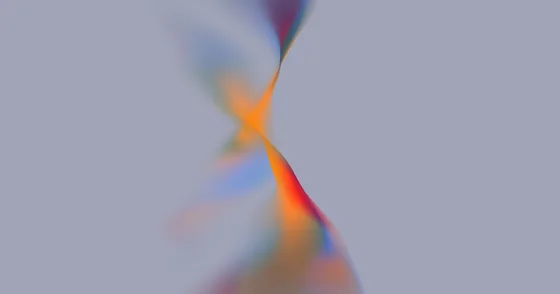 Time
4C · SPD 2.5 · AMP 6
Time
4C · SPD 2.5 · AMP 6
-
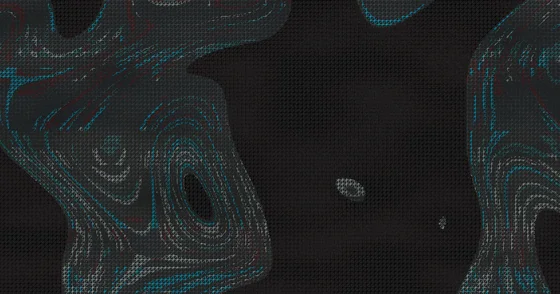 Fluid
6C · SPD 1.5 · AMP 0
Fluid
6C · SPD 1.5 · AMP 0
-
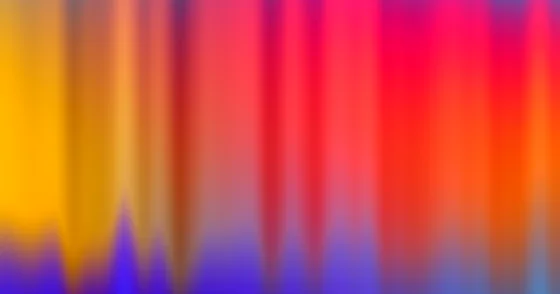 Flame
5C · SPD 4 · AMP 10
Flame
5C · SPD 4 · AMP 10
-
 Funky
6C · SPD 1 · AMP 10
Funky
6C · SPD 1 · AMP 10
-
 Alejandra
4C · SPD 0.15 · AMP 4.2
Alejandra
4C · SPD 0.15 · AMP 4.2
-
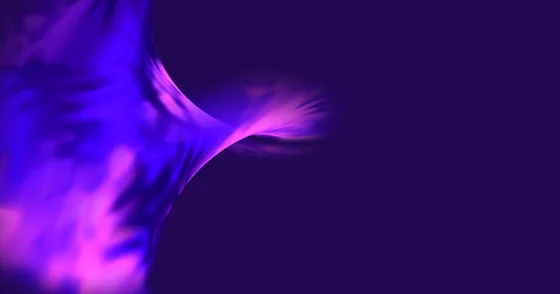 Monterey
4C · SPD 4 · AMP 0
Monterey
4C · SPD 4 · AMP 0
-
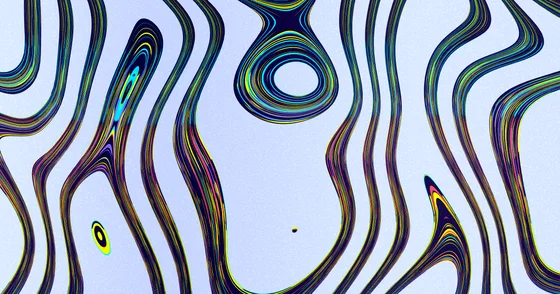 Virus
6C · SPD 2 · AMP 2
Virus
6C · SPD 2 · AMP 2
-
 Blob
6C · SPD 4.5 · AMP 6
Blob
6C · SPD 4.5 · AMP 6
-
 Sands
5C · SPD 1 · AMP 8
Sands
5C · SPD 1 · AMP 8
-
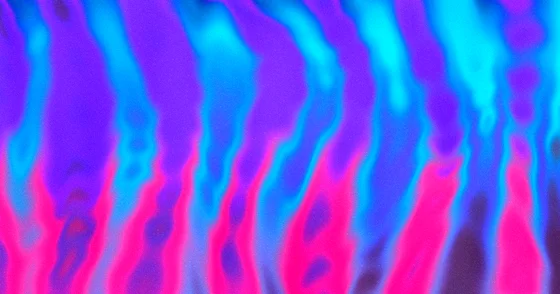 Nighttime
5C · SPD 3.5 · AMP 5
Nighttime
5C · SPD 3.5 · AMP 5
-
 Prussian
5C · SPD 4 · AMP 0
Prussian
5C · SPD 4 · AMP 0
-
 Clouds
5C · SPD 2 · AMP 2
Clouds
5C · SPD 2 · AMP 2
-
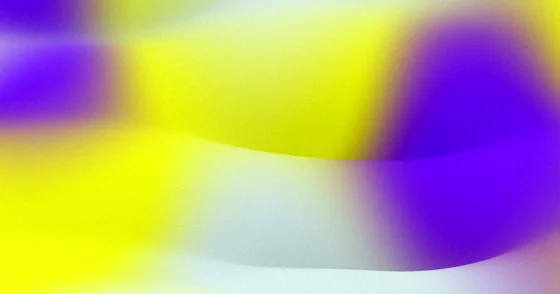 Lemon
3C · SPD 4 · AMP 10
Lemon
3C · SPD 4 · AMP 10
-
 Dark Mode
5C · SPD 2 · AMP 1
Dark Mode
5C · SPD 2 · AMP 1
-
 FireCMS
4C · SPD 2 · AMP 5
FireCMS
4C · SPD 2 · AMP 5
-
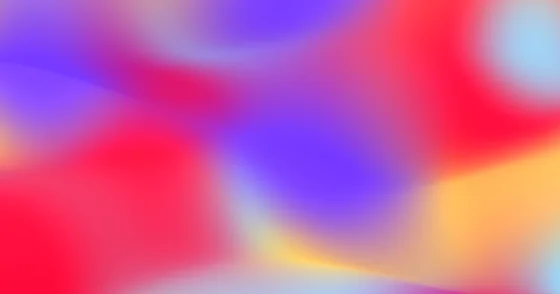 Stripe
4C · SPD 2 · AMP 10
Stripe
4C · SPD 2 · AMP 10
-
 Pastel
4C · SPD 4.5 · AMP 3
Pastel
4C · SPD 4.5 · AMP 3
-
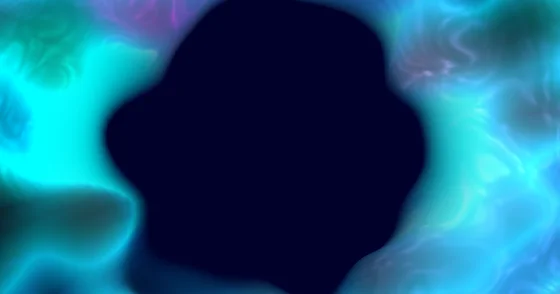 Cosmic Vortex
5C · SPD 3.5 · AMP 7
Cosmic Vortex
5C · SPD 3.5 · AMP 7
-
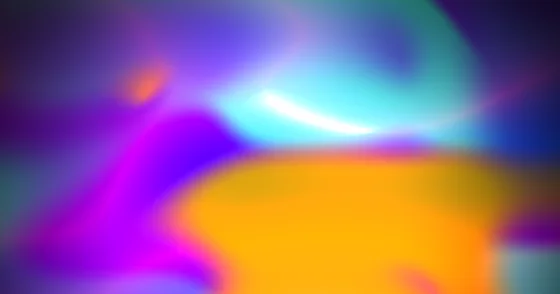 Bloom
5C · SPD 4 · AMP 1
Bloom
5C · SPD 4 · AMP 1
-
 Night Dunes
5C · SPD 2 · AMP 8
Night Dunes
5C · SPD 2 · AMP 8
-
 Bubble Gum
6C · SPD 2.5 · AMP 6
Bubble Gum
6C · SPD 2.5 · AMP 6
-
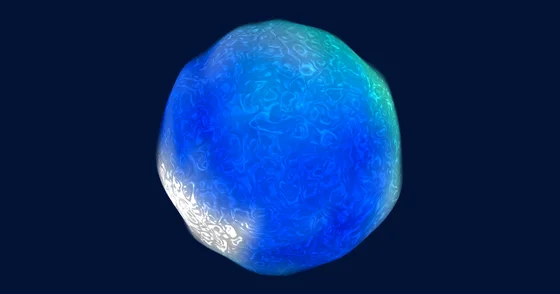 Oceans Eleven
5C · SPD 4 · AMP 2
Oceans Eleven
5C · SPD 4 · AMP 2
-
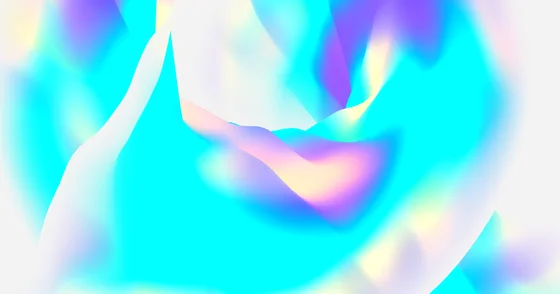 Coral
4C · SPD 2.5 · AMP 3
Coral
4C · SPD 2.5 · AMP 3
-
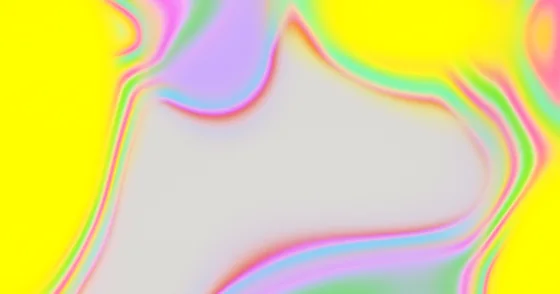 Oil Slick
4C · SPD 1.5 · AMP 4
Oil Slick
4C · SPD 1.5 · AMP 4
Picking a starting point
The parameter space is large enough that starting from scratch is rarely productive. Start from whichever preset is closest to the mood you want, then change colours first and motion second — motion is what people notice, and it is the easiest thing to overdo.
- Behind body text? Fluid, Pastel, Coral, Oil Slick or Dark Mode. Low speed, low amplitude, nothing that competes.
- Dark theme? Monterey, Night Dunes, Dark Mode or Cosmic Vortex.
- Light theme? Clouds and Coral are the two that hold up with dark text on them.
- Loud on purpose? Flame, Lemon, Virus or Blob.
- Classic SaaS? Stripe, Bloom or FireCMS.